
Skip to content
OFFICIAL SOURCE: MASTRapps.com · VERIFY EVERY FILE BEFORE INSTALLATION
MASTR
Menu
MASTRsweep · Live in the Solana dApp Store

YOUR WALLET
OWES YOU SOL.

Clean up your Solana wallet in a few taps. Reclaim rent from empty token accounts, sell leftover dust for SOL, remove selected spam tokens and revoke risky approvals. Value Guard checks two independent price sources before an action reaches your wallet.


APK installation & Android prompts
MASTRsweep

Get the app

Live in the Solana dApp Store

MASTRsweep

v1.7.3 · Android 7+ · 0.63 MB

Download Android APK ↓
APK installation & Android prompts

On Seeker, open the Solana Mobile dApp Store and search for MASTRsweep.

Free download. The service fee is 10% of reclaimed rent and 10% of the guaranteed proceeds from dust sales. Revoking approvals has no service fee. Network fees may still apply. Review all fees and the net result before signing.

On Seeker, use the store above. On other compatible Android devices, use the APK from MASTRapps.com.

SHA-256 · APK / Signing certificate

APK

f4179d74c373b70d4dbc6620cc7c1ca3d1f3194e53db46199c9324a40bdd5ff8

Signing certificate · SHA-256

9093df482134cf636774776e6da2a15fac192f8c07a50fa09d593b4fbb0dd716

xyz.askmastr.mastrsweep · 35

SHA256SUMS.txt
Installing an Android APK

Android may ask permission to install an app downloaded outside Google Play. Open Settings → Apps → Special app access → Install unknown apps. Select the browser or file manager used to open the APK and enable Allow from this source. Install the file, then turn that permission off again. Menu names vary by device.

Keep Google Play Protect enabled. Allow a requested scan; do not ignore a harmful-app warning. If installation is blocked, contact info@mastrapps.com with the exact message. Download only from MASTRapps.com and compare the published SHA-256 checksum.

Android installation help ↗ · Google Play Protect ↗

A closer look

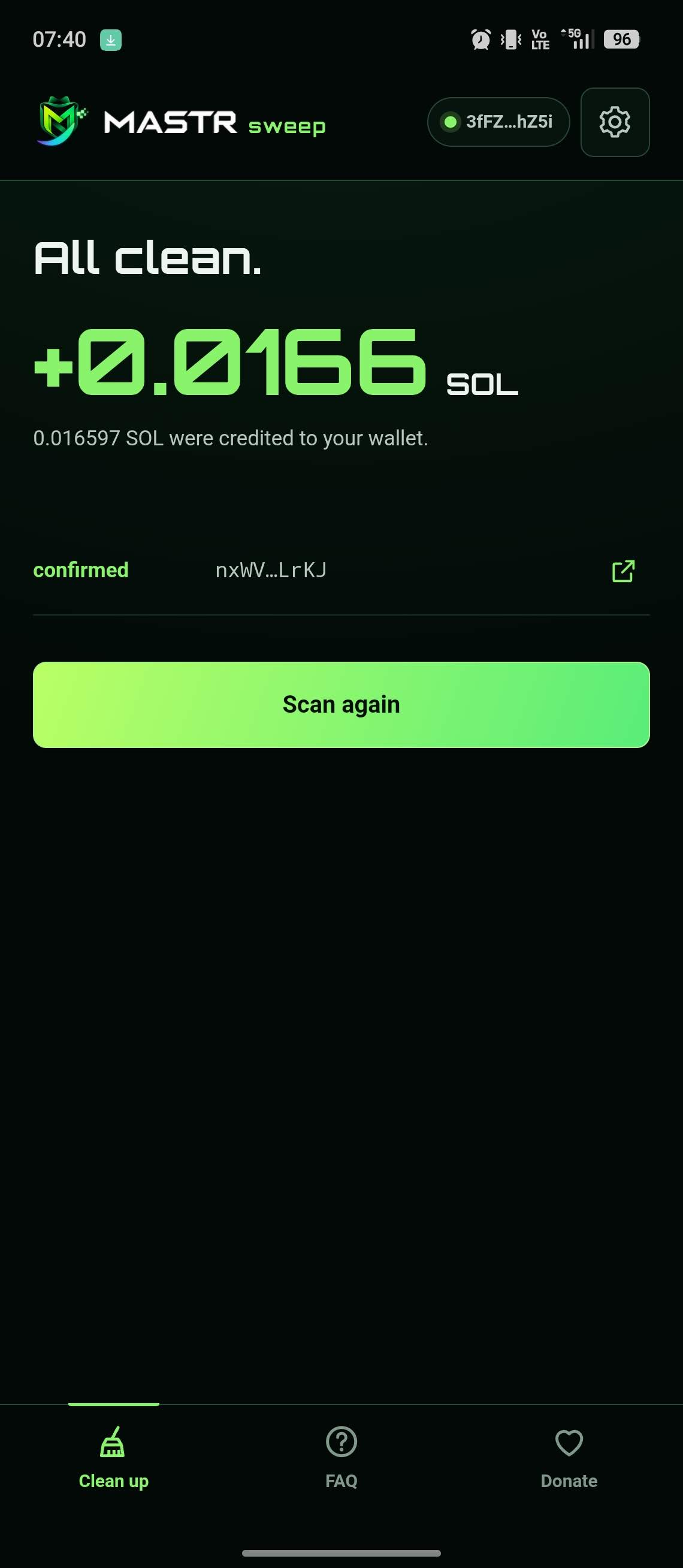
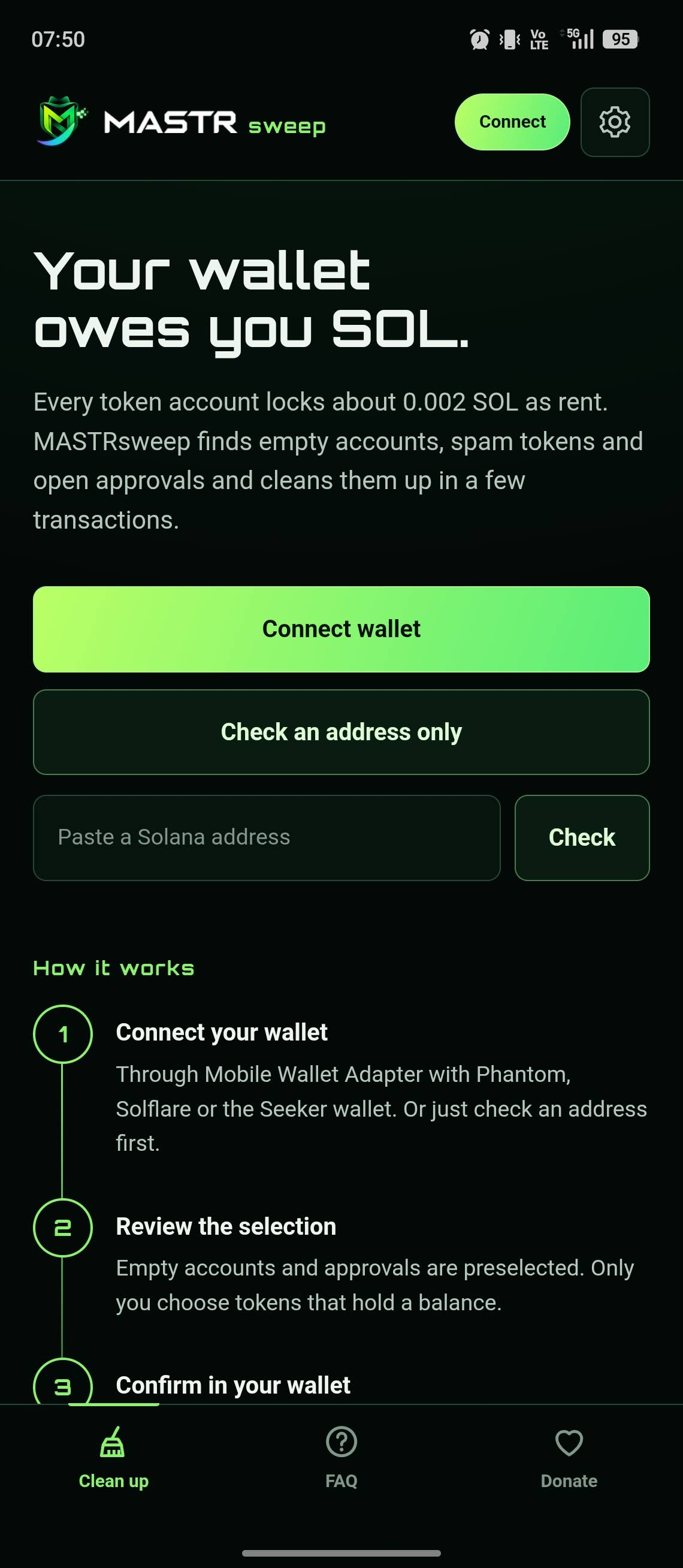
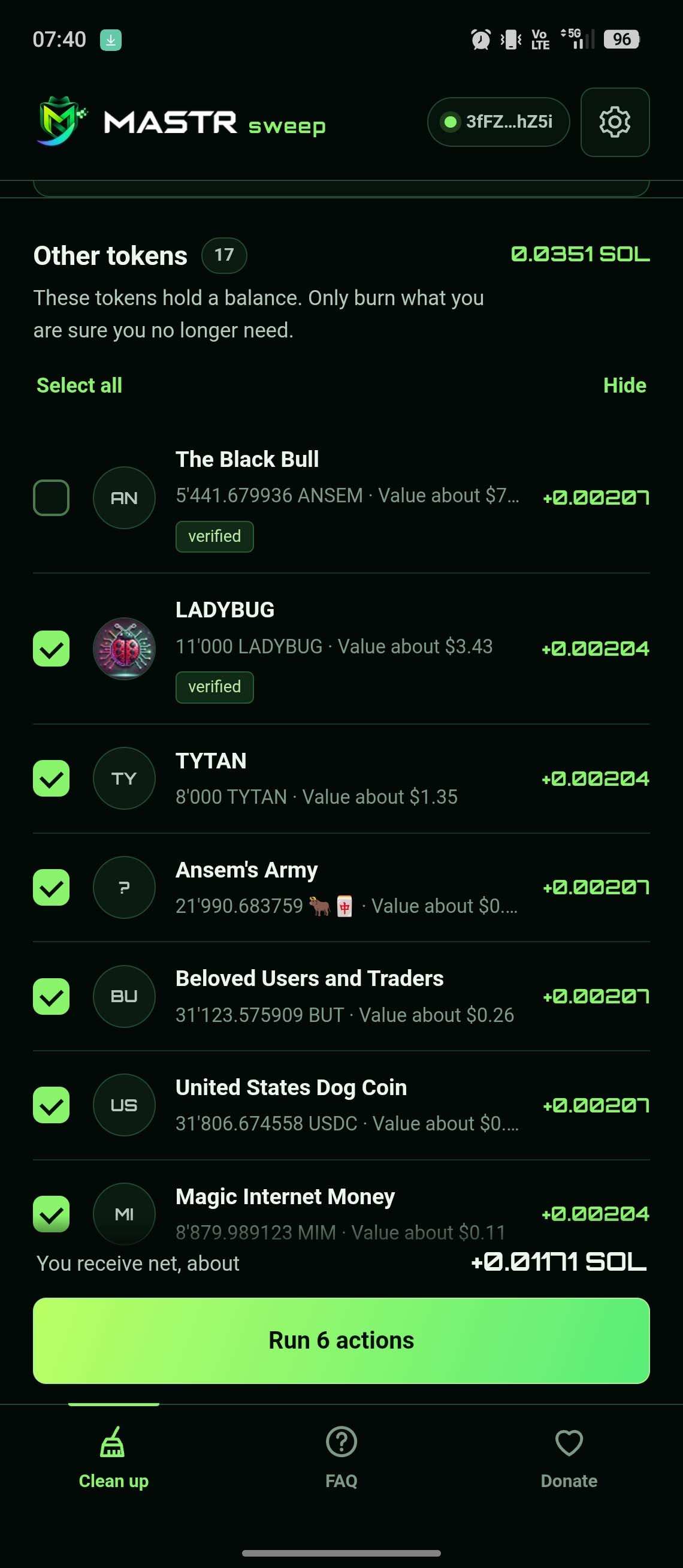
Screenshots from the app. Select an image to view it at full size.

More you can do

Value Guard

Two independent price sources check each token. Tokens above your limit are not burned or sold. Unknown values are protected rather than treated as zero.

Review before signing

Transactions are simulated and verified before your wallet opens. Your keys stay in your wallet; you approve each transaction yourself.

Reclaim your rent

Closing an empty token account returns its locked rent, typically about 0.002 SOL before fees. Actual amounts depend on the account.

No account, no tracking

Connect a compatible Solana wallet through Mobile Wallet Adapter or inspect an address first. The app supports seven languages.

Reclaim SOL, sell dust, clear wallet spam

01

Reclaim rent

Closes empty token accounts and returns the locked SOL. Active wallets often hold 0.05 to 0.5 SOL in there.

02

Sell dust

Turns small balances into SOL through Jupiter instead of throwing them away.

03

Remove spam

Burns phishing and spam tokens you select, with a hard value cap.

04

Revoke approvals

Remove selected token approvals that could let third parties move your tokens. No service fee for revocation; network fees may apply.

How it works

01

Connect

Pick your wallet app. MASTRsweep never sees your keys, it only asks the wallet to sign.

02

Scan

All token accounts are read and valued with 2 independent price sources.

03

Review

Every action is listed with rent, fee and net result. Nothing is preselected that could destroy value.

04

Sign

Remove selected token approvals that could let third parties move your tokens. No service fee for revocation; network fees may apply.

VALUE GUARD

Built after an 800 dollar near miss

A cleanup tool once offered a token worth about 800 dollars for burning, sitting between the scams. MASTRsweep treats missing data as a reason to protect, never as a reason to destroy.

  • 2 independent price sources, the higher value counts.
  • Tokens above your limit are never burned. Burning is capped below 1 dollar in every case.
  • Protected tokens, verified tokens and NFTs without scam signals are never burned.
  • If a value cannot be verified, every action on that token is locked.
  • All values are checked again right before your wallet opens.
Security model
SigningOnly through Mobile Wallet Adapter, no private keys in the app
SimulationEvery transaction is simulated before your wallet opens
ProgramsAllowlist only: Token, ATA, ComputeBudget, Jupiter v6, System
ApprovalsNever granted, revoked for free
NetworkINTERNET permission only, strict content policy, no backend required
Verification89 automated tests and 34 release checks per build, SHA256 published

Transparency: Fees are paid to a public wallet you can inspect on Solscan at any time. Every release comes with its SHA256 and a changelog. Solscan ↗

Downloads

Free download. The service fee is 10% of reclaimed rent and 10% of the guaranteed proceeds from dust sales. Revoking approvals has no service fee. Network fees may still apply. Review all fees and the net result before signing.

Current builds
Live in the Solana dApp Store · Android 7+Android 1.7.3
Download Android APK · v1.7.3
APK installation & Android prompts
Fees10 % + 10 %
Open source checksSHA256 published with every release

COMMON QUESTIONS. STRAIGHT ANSWERS.

Can the app empty my wallet?

No. MASTRsweep never receives your keys. Every transaction is built in the app, simulated, shown in full and signed by you in your own wallet.

How does Value Guard protect me?

Every token is checked against 2 independent price sources and the higher value counts. Tokens above your limit are never burned, protected tokens and NFTs stay untouched, and if a value cannot be verified the token is locked.

How safe is selling dust?

Jupiter only suggests the route. MASTRsweep builds the transaction itself and rejects it unless it uses approved programs only, touches no other token account, grants no approvals and guarantees a minimum amount of SOL.

Which wallets work?

Any Solana wallet with Mobile Wallet Adapter, for example Phantom, Solflare or the Seeker Seed Vault. You pick the wallet app when connecting.

Is burning reversible?

No. Burning destroys tokens permanently, which is why the app caps it and asks for an explicit confirmation.

← Back to all apps

↑