Up to 16 separate vaults
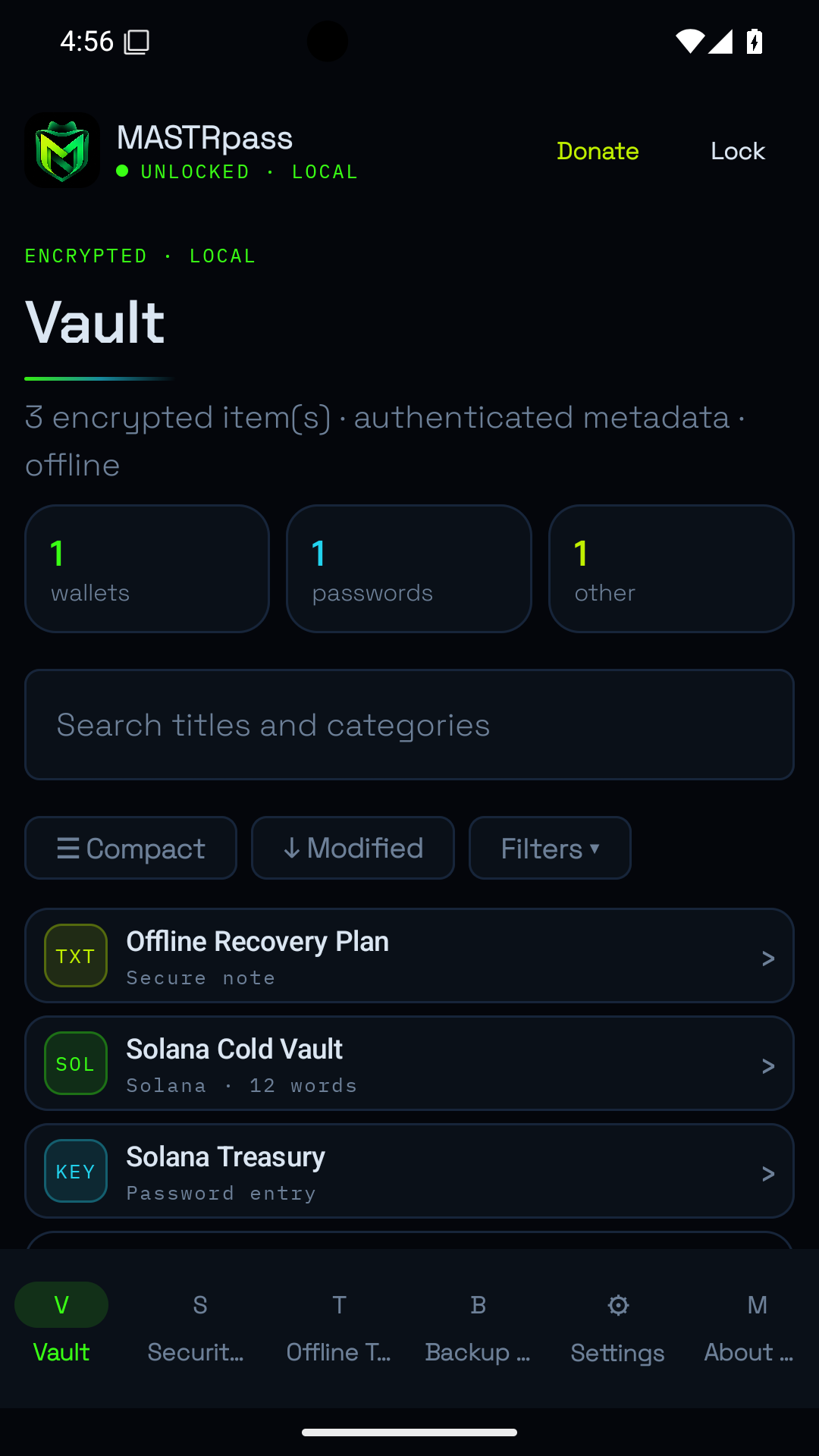
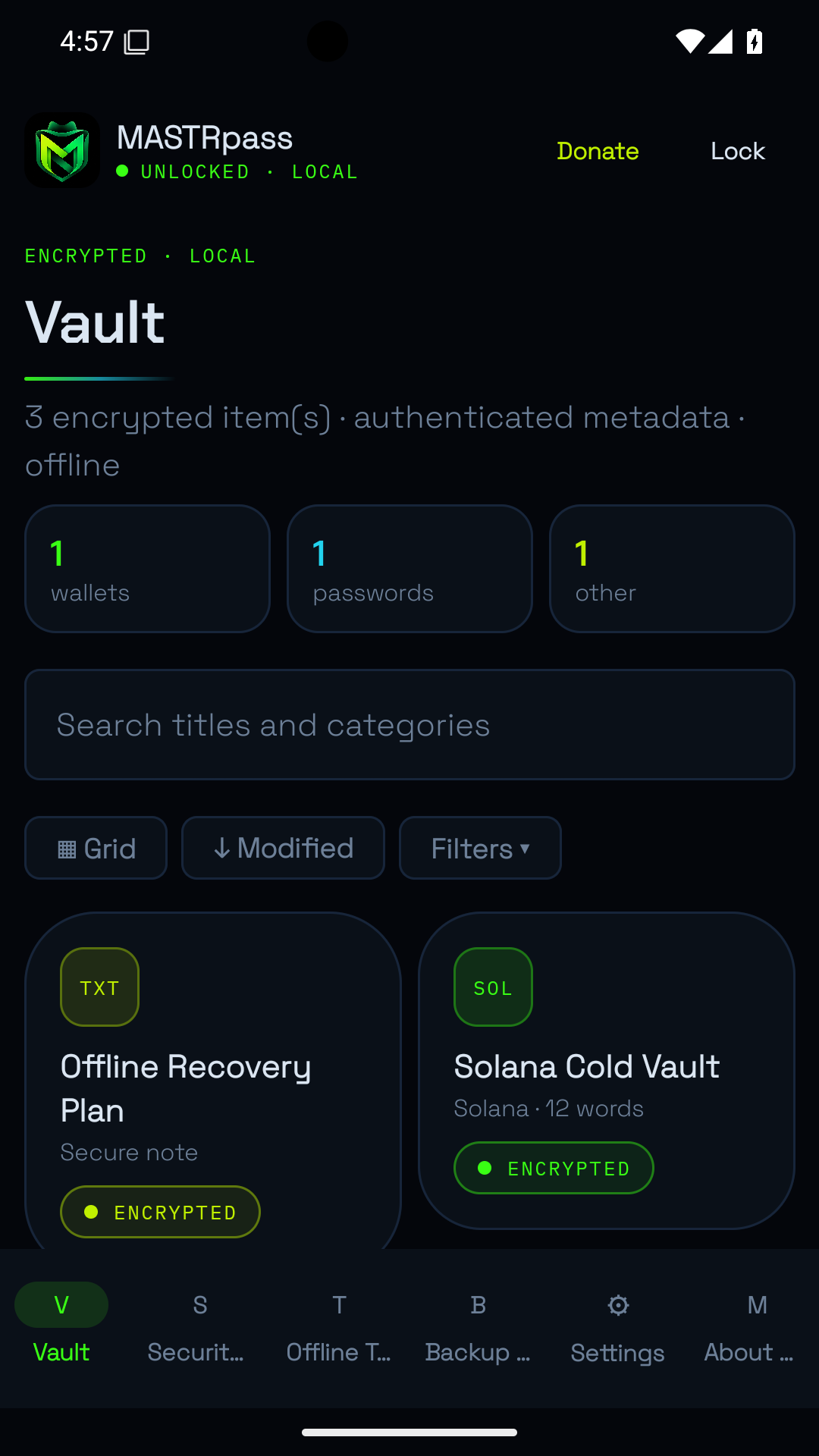
Keep wallets, credentials, private attachments and custom fields in isolated encrypted vaults. Use templates, folders, tags, favourites, expiry dates, bulk actions and encrypted trash. Restore up to five earlier secret versions.
Autofill, passkeys and TOTP
Android Autofill checks package and domain matches. Supported Android 14+ devices can use local ES256 passkeys through Credential Provider. TOTP codes and password or passphrase generation work offline.
A private workspace
Encrypted Markdown notes, tasks, recurring reminders, journals and trackers with links, backlinks, graph and calendar views. Import supported local notes and credential formats with previews and duplicate checks.
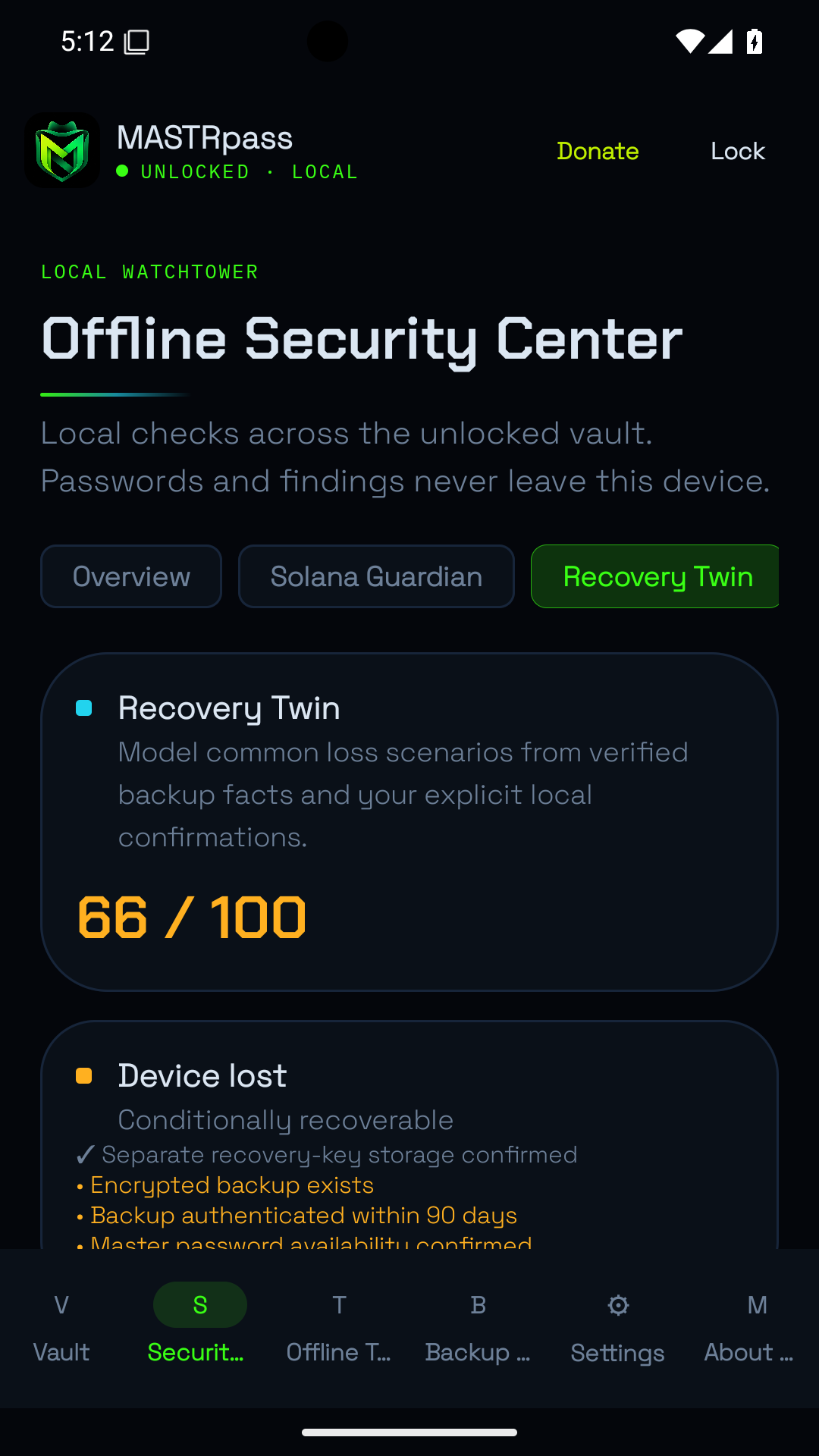
Local Security Center
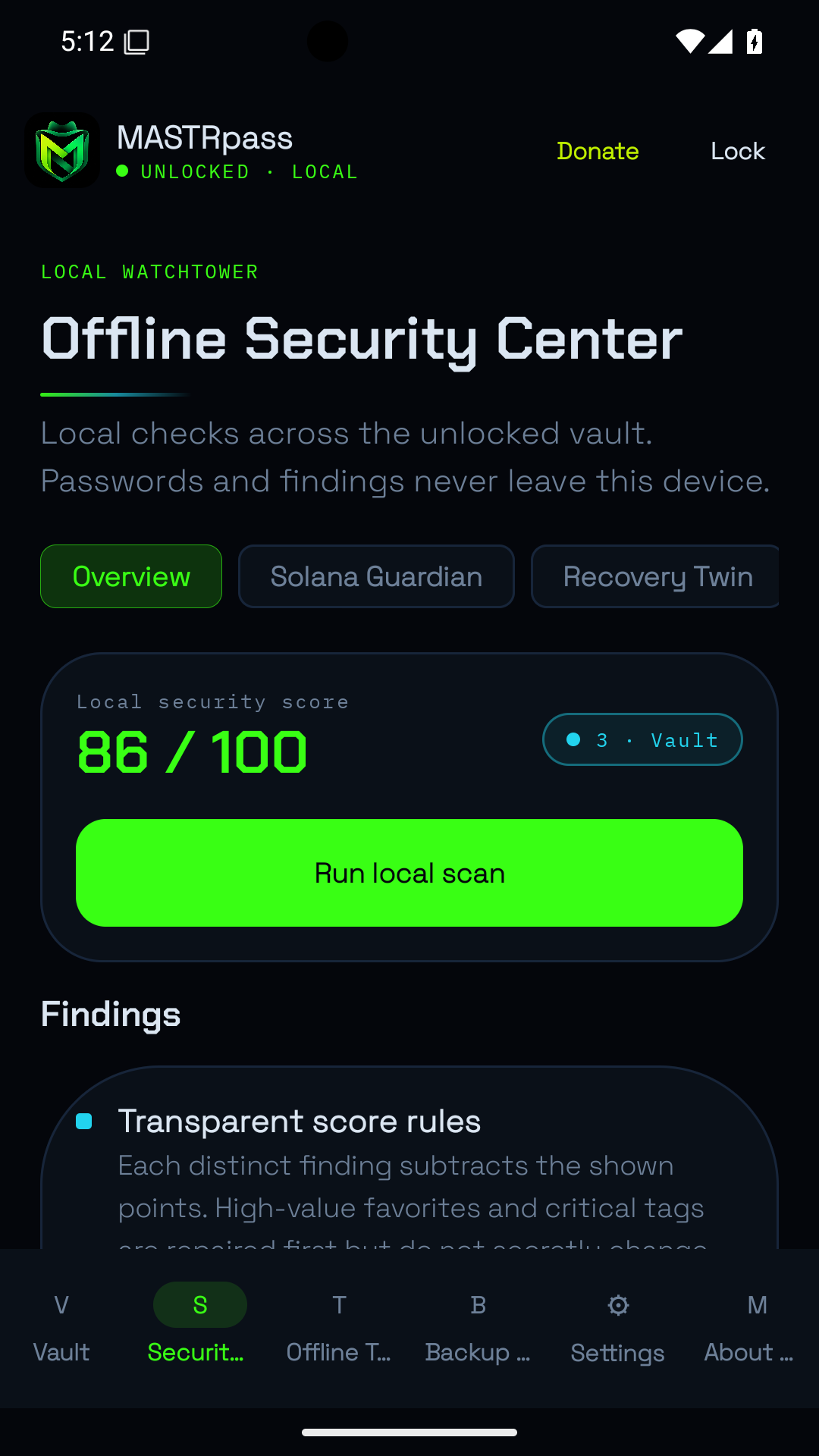
Watchtower checks for weak or reused passwords, missing recovery information, expiry dates and overdue backups. A masked dependency map and manually imported signed threat packages help with local comparisons.
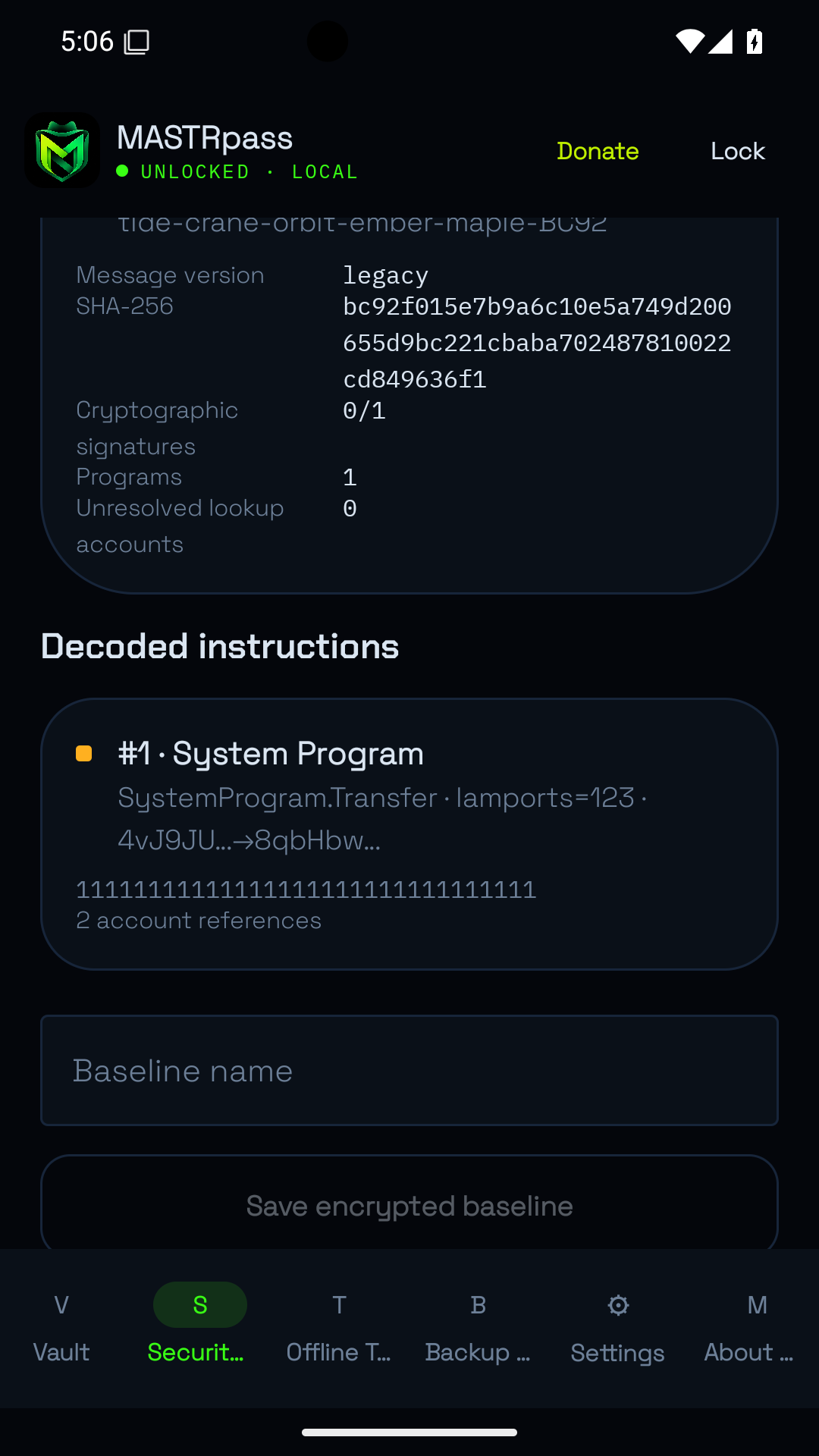
Solana Transaction Guardian
Inspect Legacy and v0 message bytes, signer roles, writable accounts and supported instructions offline. Verify embedded Ed25519 signatures and compare encrypted baselines. The app does not sign, broadcast or simulate transactions and cannot check live chain state.
Backup and Recovery Twin
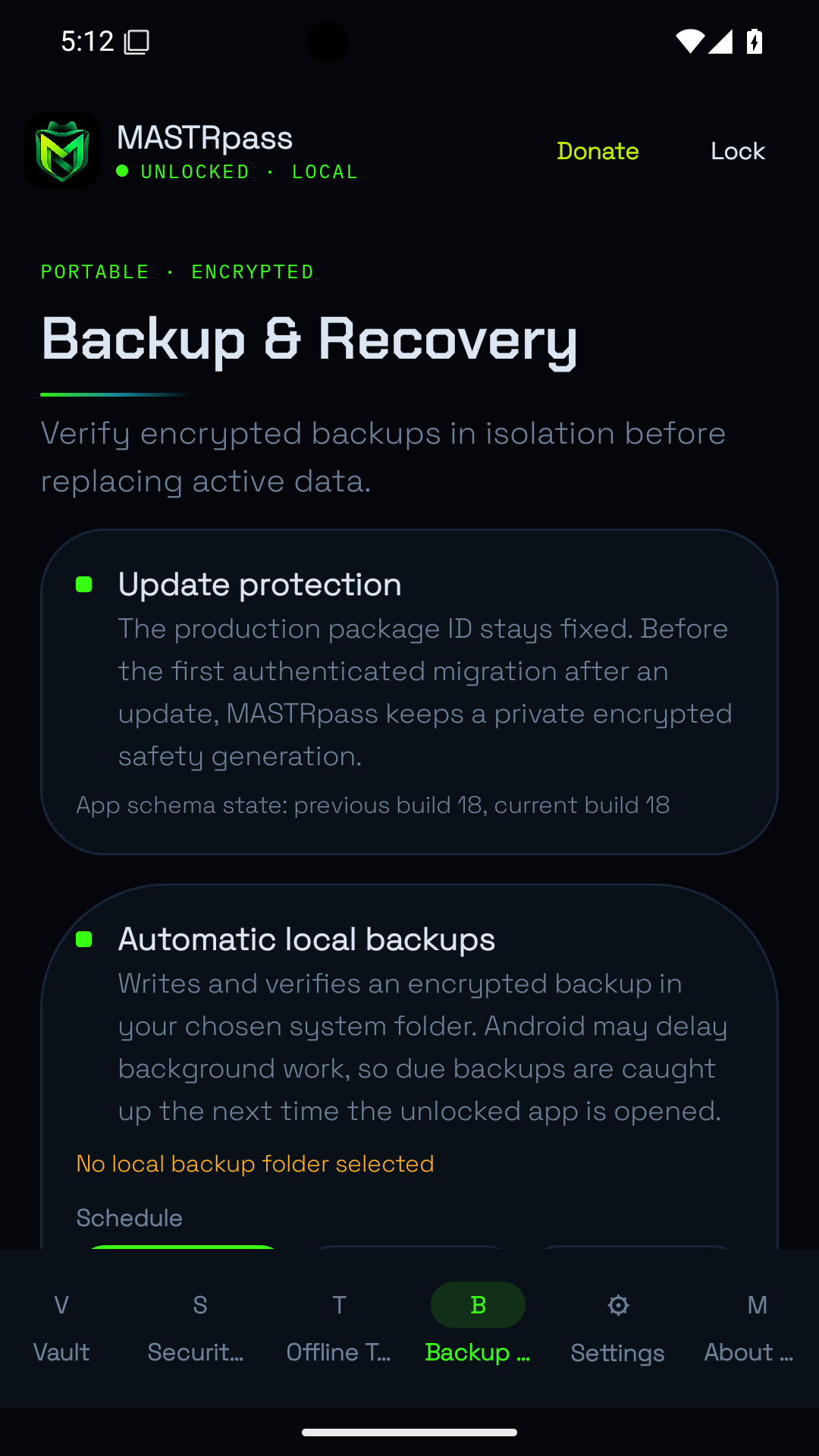
Keep up to seven encrypted backup generations per vault. Verify, compare or test recovery without replacing active data. Use a chosen local folder or multipart QR transfers. Recovery Twin separates verified backup facts from your own recovery assumptions.
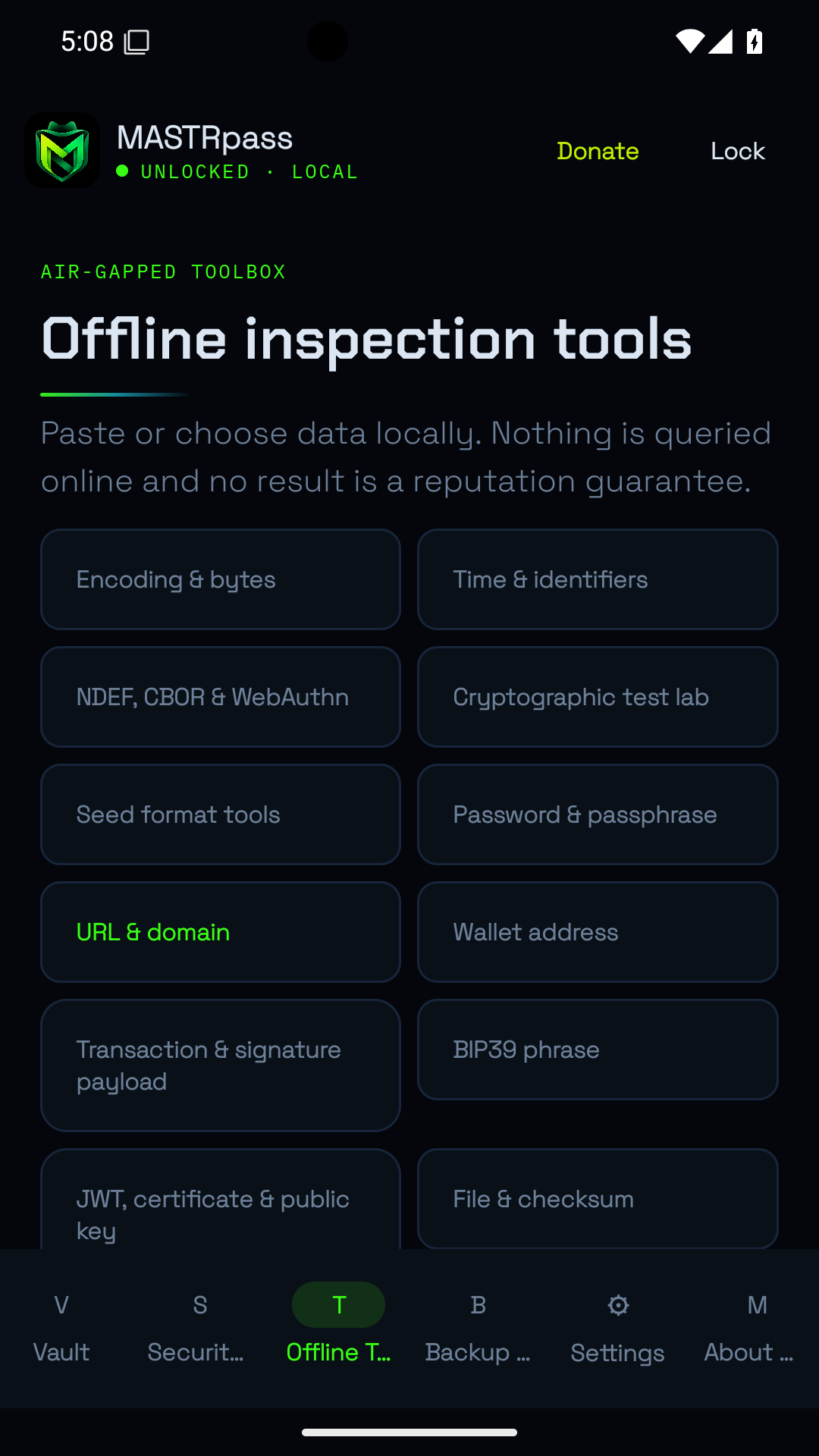
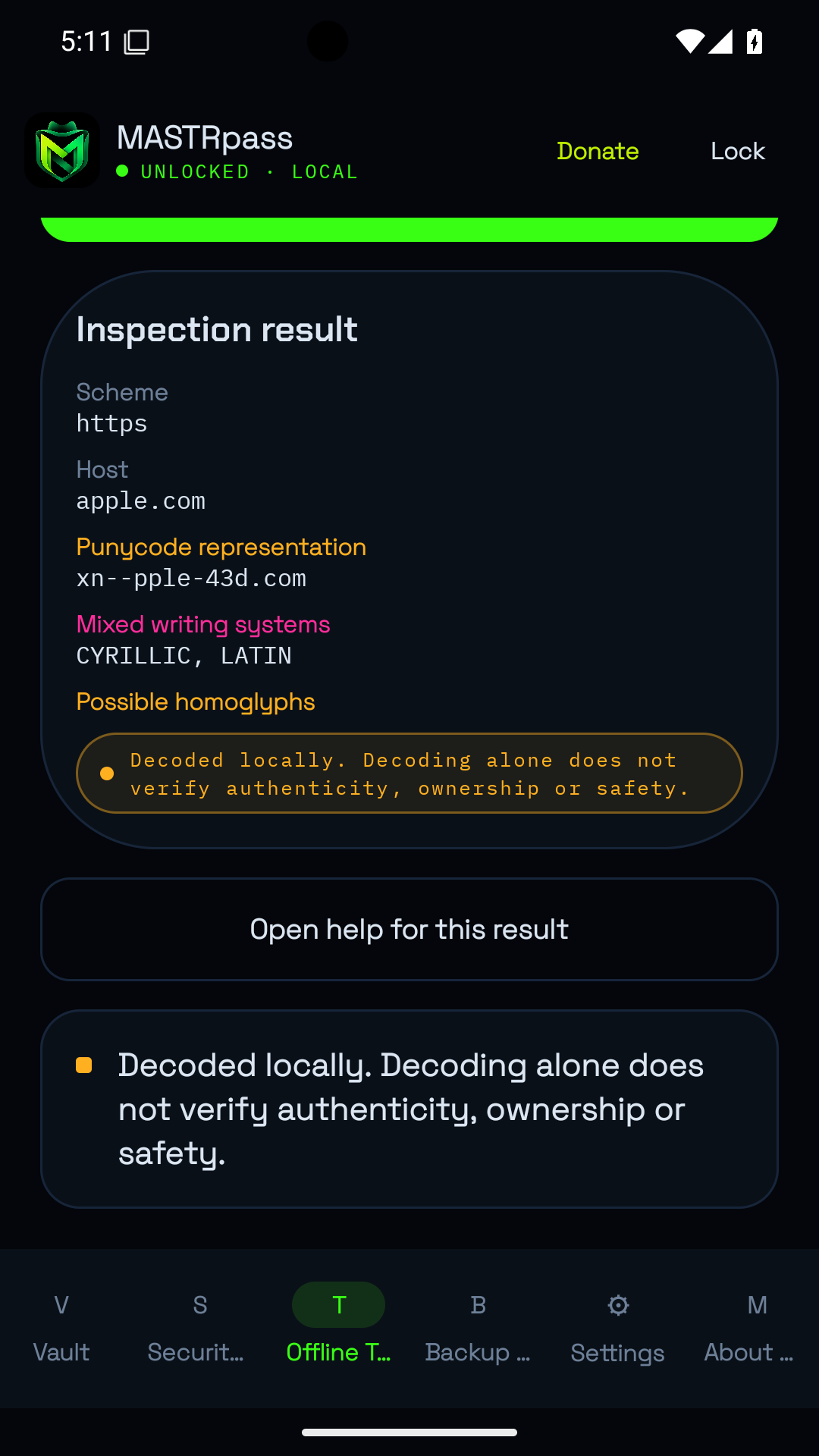
30 offline inspection tools
Inspect URLs and Unicode lookalikes, QR/NFC data, wallet and seed formats, transaction payloads, signatures, certificates, JWT, files, hashes, APKs and image metadata. Decoding a file or transaction is not proof that it is safe.
Free, independent and local
No INTERNET or ACCESS_NETWORK_STATE permission, server, cloud sync, WebView, ads or tracking. Choose Quick or Strict unlock, biometrics and compatible preconfigured USB/NFC challenge-response keys. Screenshot protection, timed disclosure, clipboard clearing and automatic locking help limit exposure. Keep independent backups: lost passwords or recovery keys cannot be recovered by MASTR.