
Skip to content
OFFICIAL SOURCE: MASTRapps.com · VERIFY EVERY FILE BEFORE INSTALLATION
MASTR
Menu
MASTRsender · Live in the Solana dApp Store

ONE LIST.
A FEW SIGNATURES. DONE.

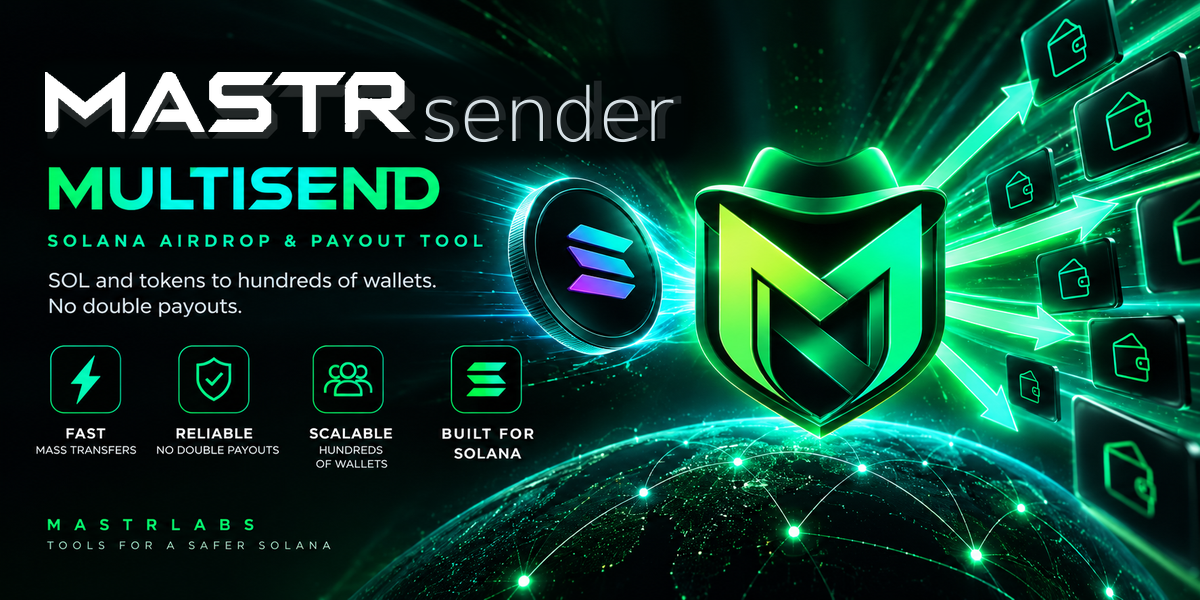
Send SOL or SPL tokens to hundreds of wallets from your phone. Import a list, review the dry run and sign the transaction packets. Resume interrupted runs after checking their on-chain status, with receipts you can export.


APK installation & Android prompts
MASTRsender

Get the app

Live in the Solana dApp Store

MASTRsender

v2.5.0 · Android 8+ · 3.03 MB

Download Android APK ↓
APK installation & Android prompts

On Seeker, open the Solana Mobile dApp Store and search for MASTRsender.

Free download. Sending costs 0.05 SOL per run plus 0.003 SOL per recipient. For 100 recipients, the service fee is 0.35 SOL. Network fees and rent for new token accounts are additional. The dry run shows the total and any shortfall before you sign.

On Seeker, use the store above. On other compatible Android devices, use the APK from MASTRapps.com.

SHA-256 · APK / Signing certificate

APK

003ac35d72f8c60057bf5c6506cc8f68b7fa18fe30e3364f3596fd531f8d1872

Signing certificate · SHA-256

51d306f4d6211d97cb3b036a284cbeb2513f58361756a68138f32cc507352365

com.mastrlabs.sender · 15

SHA256SUMS.txt
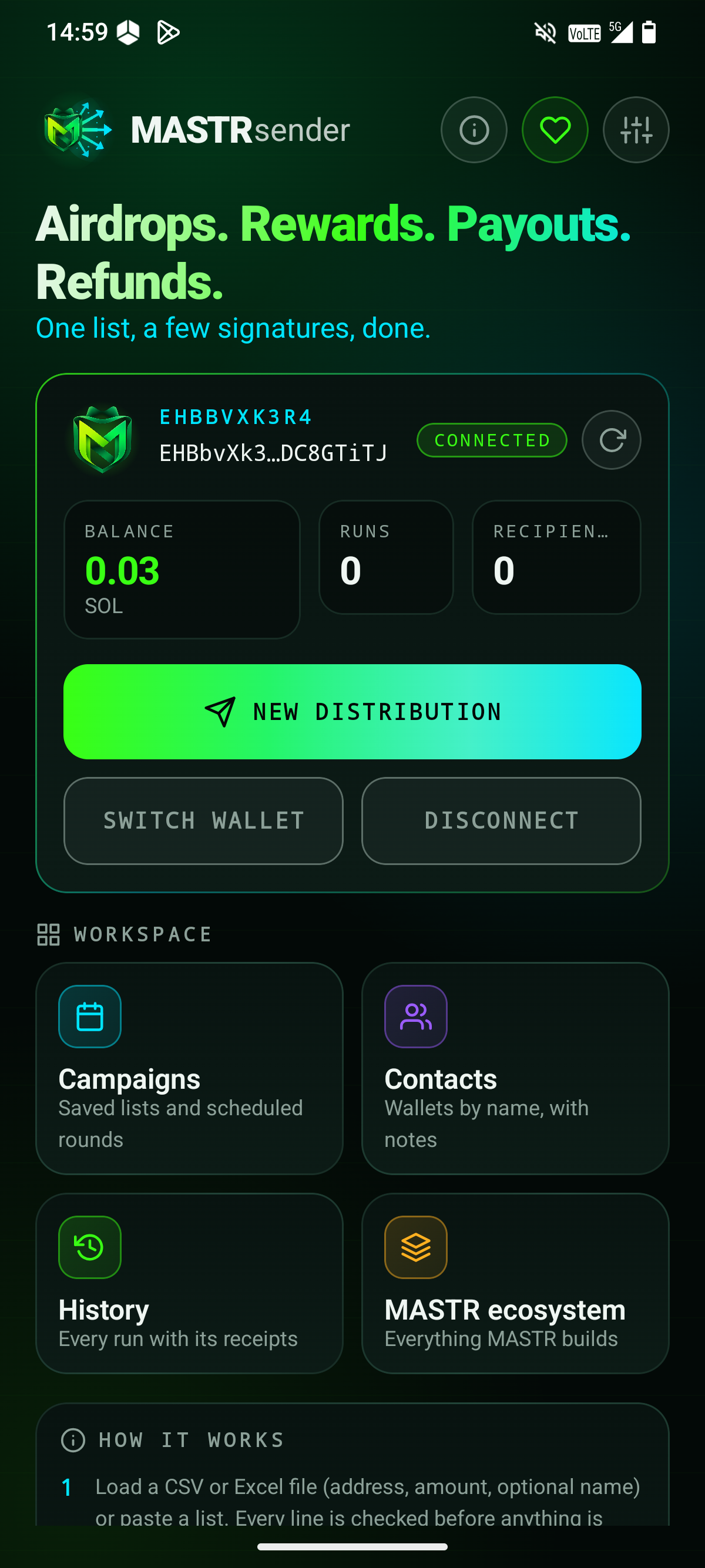
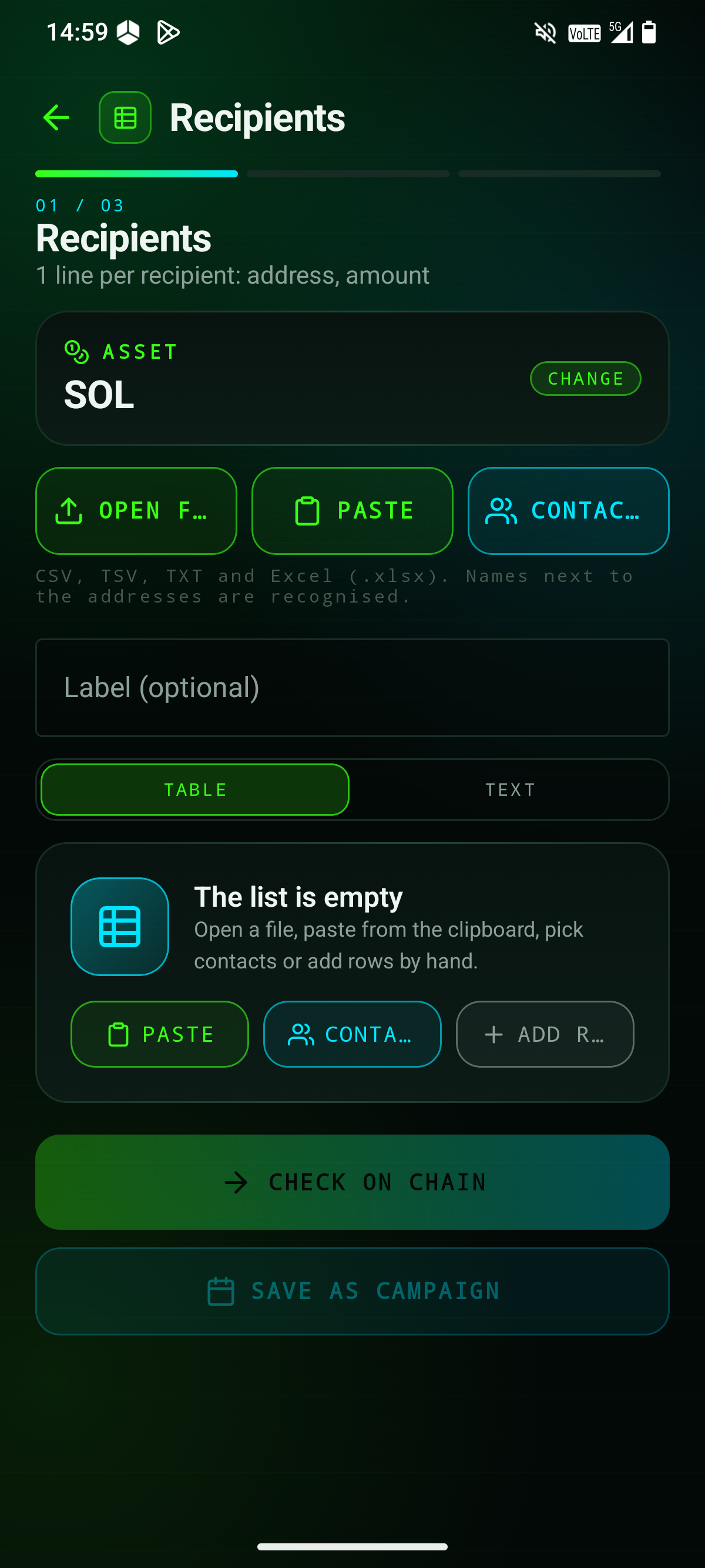
Installing an Android APK

Android may ask permission to install an app downloaded outside Google Play. Open Settings → Apps → Special app access → Install unknown apps. Select the browser or file manager used to open the APK and enable Allow from this source. Install the file, then turn that permission off again. Menu names vary by device.

Keep Google Play Protect enabled. Allow a requested scan; do not ignore a harmful-app warning. If installation is blocked, contact info@mastrapps.com with the exact message. Download only from MASTRapps.com and compare the published SHA-256 checksum.

Android installation help ↗ · Google Play Protect ↗

More you can do

Lists without guesswork

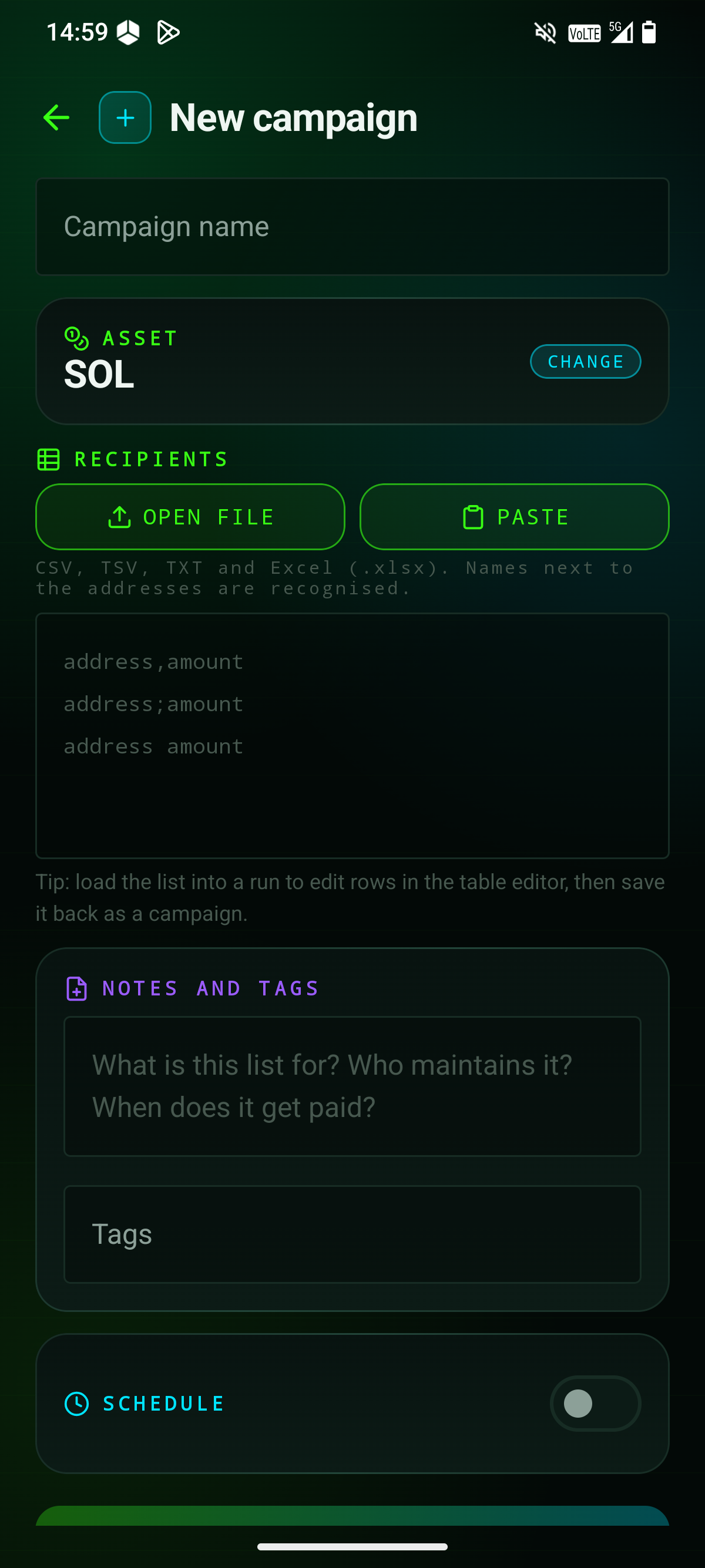
Import CSV, TSV, TXT or Excel (.xlsx). Edit every row, split totals equally or by weight, remove duplicates and errors, undo changes and export your list. Ambiguous amounts and addresses are flagged instead of guessed.

Resume after an interruption

Packet signatures and block heights are saved locally. On return, the app checks the chain before rebuilding a packet. It does not resend a transaction while its outcome is uncertain.

Contacts on your phone

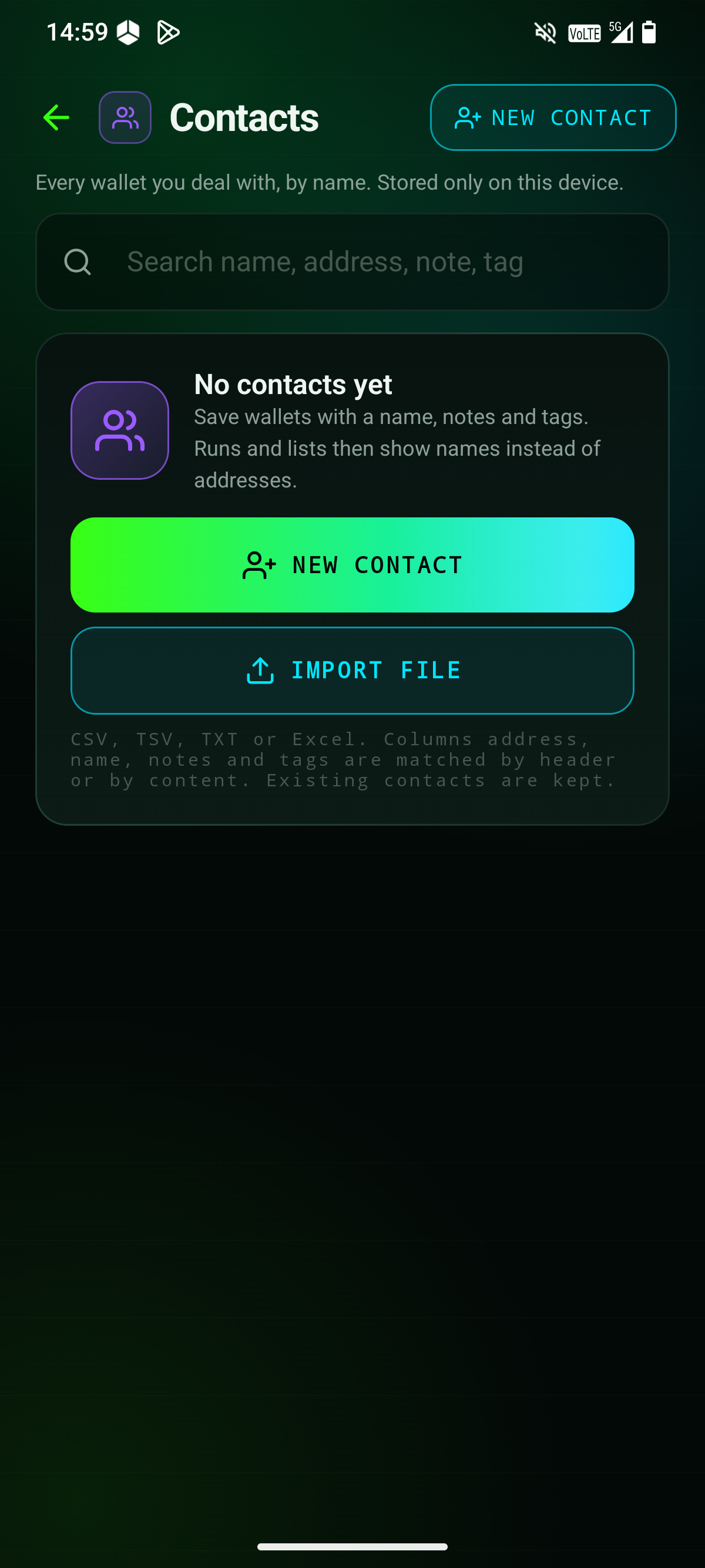
Name wallets, add notes, tags, colours and photos, and see their payment history. Import previous recipients into your address book. Contacts stay on the device.

Campaigns and reminders

Save recipient lists and schedule daily, weekly or monthly reminders. Add notes and tags, then search runs and lists by name, address or contact. A reminder prepares a run; you still sign it yourself.

Receipts you can keep

Export CSV logs and printable PDF receipts with recipients, amounts, packet status and signatures. Open transactions in Solscan, SolanaFM or Solana Explorer.

Encrypted workspace backup

Back up runs, campaigns, contacts, photos and settings in one password-encrypted file using AES-256-GCM and PBKDF2. Keep the password separately; it is required to restore.

See the full cost first

The dry run lists transfer amounts, account rent, network and service fees, plus any missing funds. It warns about new recipient wallets and lets you simulate each transaction before signing.

Your wallet does the signing

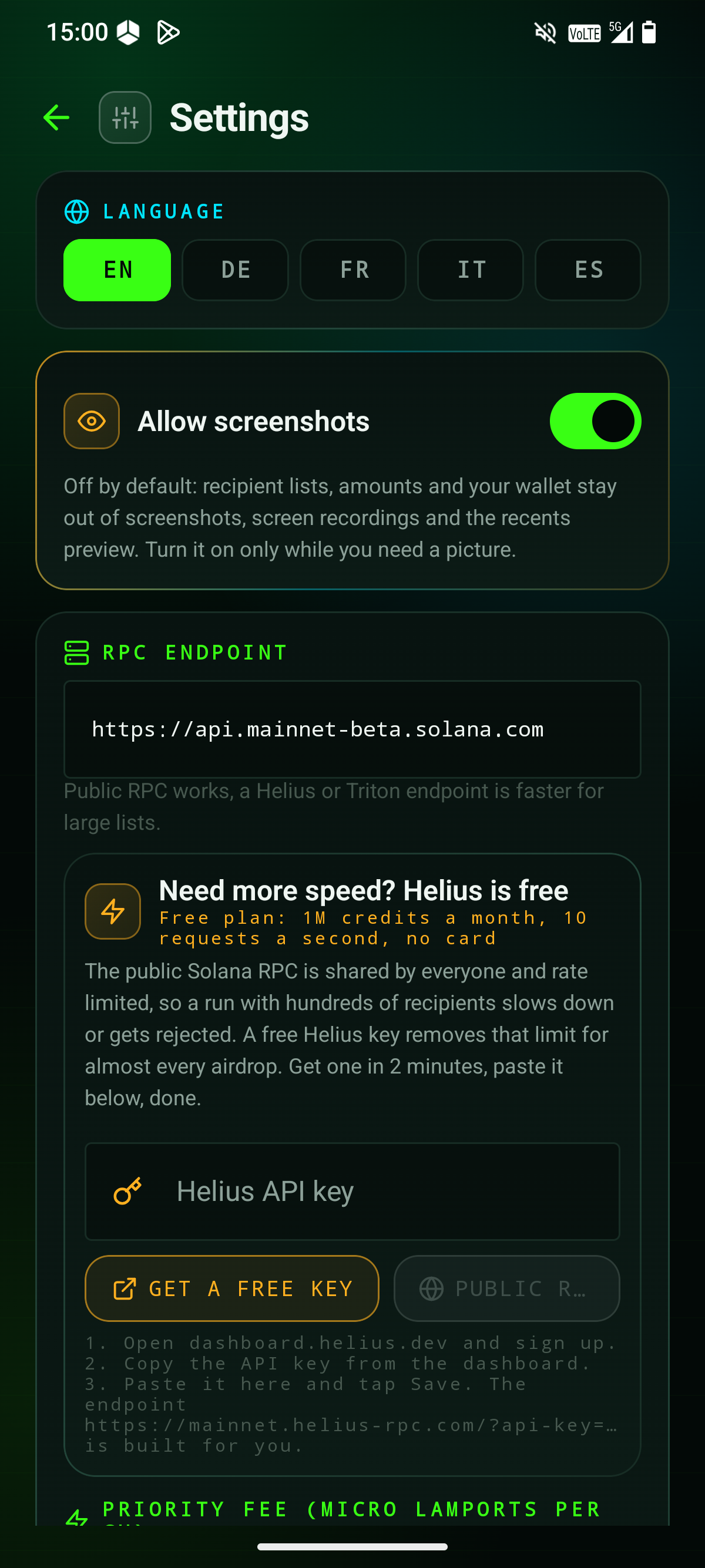
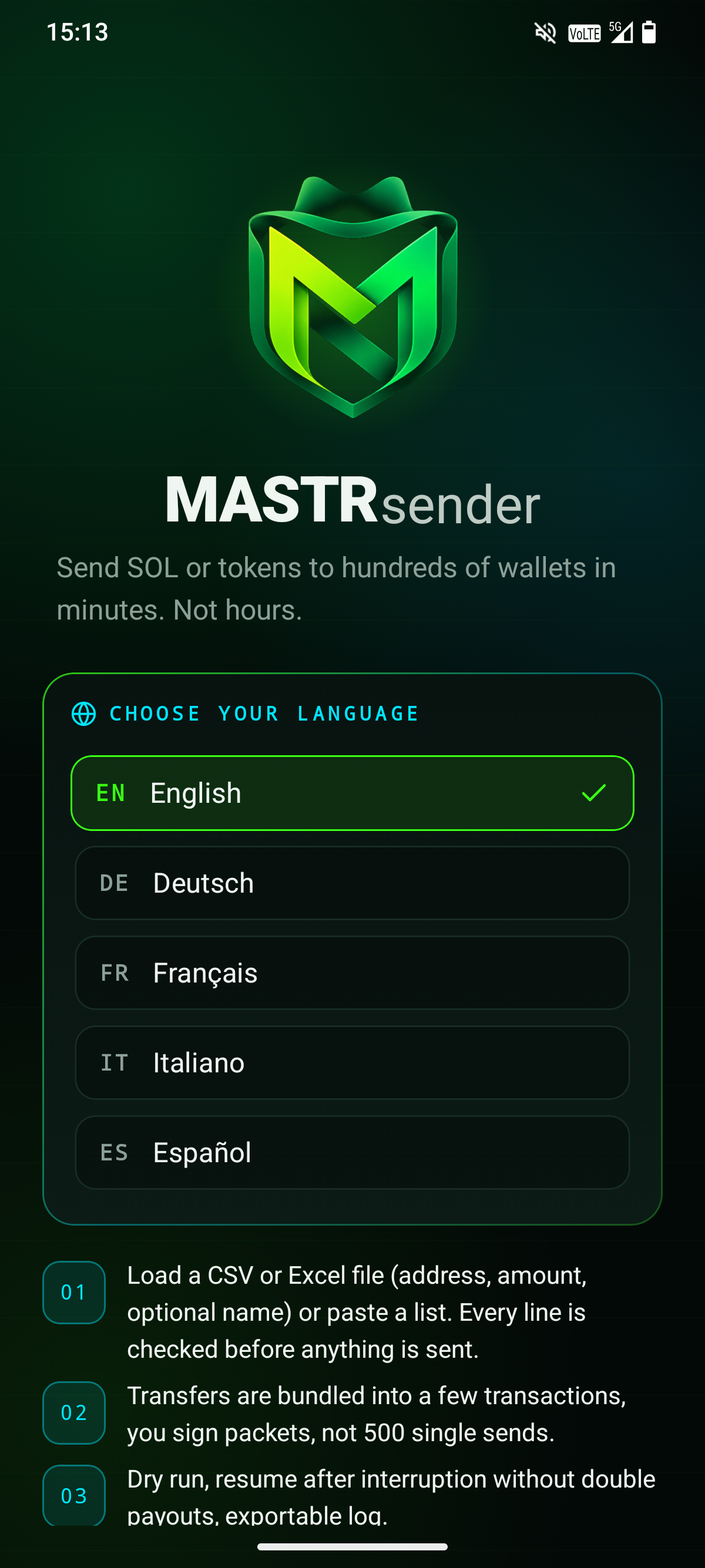
SOL, SPL tokens and supported Token-2022 tokens use Mobile Wallet Adapter. Set a priority fee, memo or your own RPC. No account or telemetry; app network requests go to your selected Solana RPC. App languages: English, German, French, Italian and Spanish.

01

Paste or load

Paste a list or load a CSV. Every line is checked before anything is sent. Duplicate addresses can be merged.

02

Packets, not 500 sends

Transfers are bundled into a few transactions. You sign packets in your wallet, not hundreds of single sends.

03

Dry run and resume

Simulate every transaction first. Resume after an interruption without double payouts, with an exportable log.

04

Campaigns

Save lists as campaigns and schedule the next round for a date and time. The app reminds you, signing stays with you.

Security model
KeysThe app never sees your keys. It builds unsigned transactions and hands them to your wallet through Mobile Wallet Adapter.
Atomic packetsEither all recipients in a packet receive their amount or none do. Failed packets are listed with the reason and can be retried.
No double payoutsConfirmed packets are marked on disk and never sent twice, even after a crash or restart.
No serverPublic data from an RPC endpoint only. No account, no analytics. Everything it remembers lives on your phone.
Token-2022Basic Token-2022 mints are supported. Transfer hooks or transfer fees can fail a packet, the dry run tells you.
WalletsPhantom, Solflare and Seed Vault through Mobile Wallet Adapter. Public RPC works, Helius or Triton is faster for large lists.

Fees

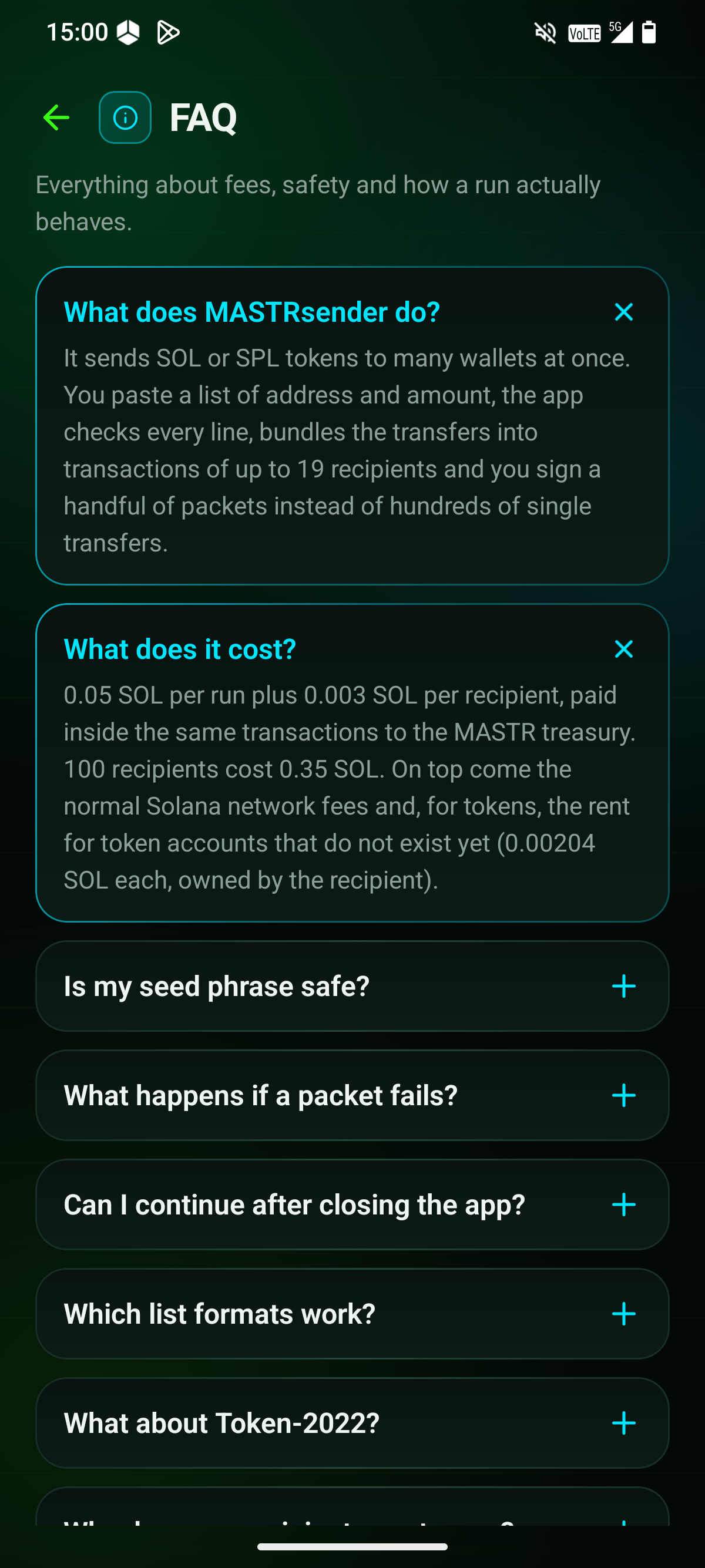
Free download. Sending costs 0.05 SOL per run plus 0.003 SOL per recipient. For 100 recipients, the service fee is 0.35 SOL. Network fees and rent for new token accounts are additional. The dry run shows the total and any shortfall before you sign.

Current builds
Live since 22 September 2026 · Android / Seeker · 5 app languagesAndroid 2.5.0
Live in the Solana dApp Store

On Seeker, open the Solana Mobile dApp Store and search for MASTRsender.

COMMON QUESTIONS. STRAIGHT ANSWERS.

Does the app see my funds or my keys?

No. It reads public data from an RPC endpoint and builds unsigned transactions. There is no server, no account and no analytics.

What happens if a packet fails?

Each packet is one atomic transaction: all its recipients receive their amount or none do. Failed packets can be retried, confirmed packets are never sent again.

Can I continue after closing the app?

Yes. Every step is saved. On resume the app checks each open transaction on chain first, then continues with what is left.

Why do some recipients cost more?

A wallet that never held the token needs a token account. Creating it costs 0.00204 SOL rent, which the recipient keeps. The dry run shows how many are needed.

How do I keep fees low?

Send to wallets that already hold the token, lower the priority fee when the network is quiet, and merge duplicate addresses.

Which list formats work?

Import CSV, TSV, TXT or Excel (.xlsx). Edit every row, split totals equally or by weight, remove duplicates and errors, undo changes and export your list. Ambiguous amounts and addresses are flagged instead of guessed.

← Back to all apps

↑